> ## Documentation Index
> Fetch the complete documentation index at: https://docs.hunch.tools/docs/llms.txt
> Use this file to discover all available pages before exploring further.
# Your First Block
> Get your first AI block up and running in Hunch.
## Sign up and sign in
Hunch is currently in private beta. To get started, request access on our [website](https://hunch.tools). Once you receive an invitation, you can sign in to the [platform](https://app.hunch.tools)!
## Create your first canvas
We're going to build a canvas that writes and illustrates a short blog post. This will give you a taste of what you can do with Hunch and how best to structure canvases.
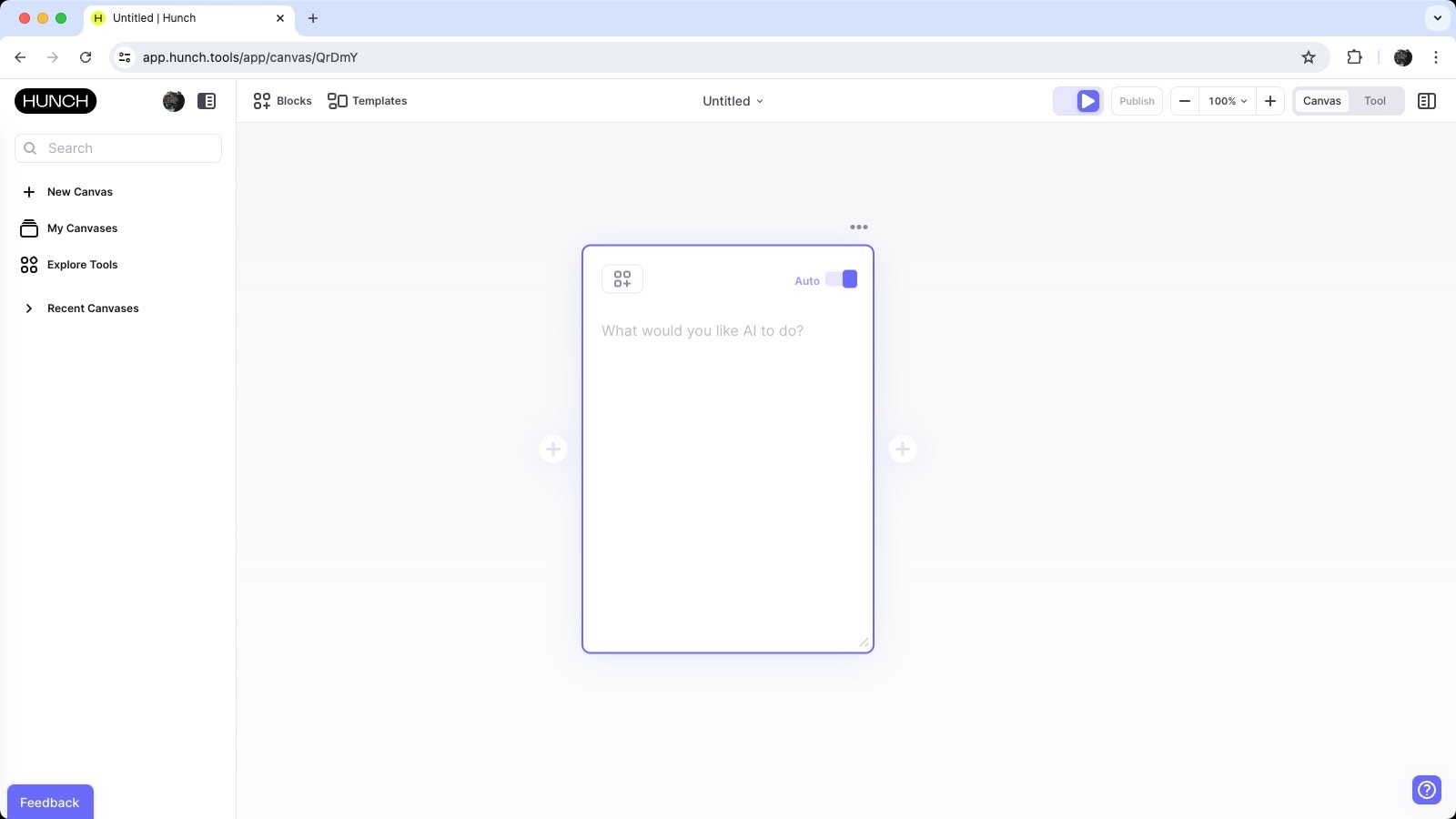
After logging in, you'll be met with a blank canvas, ready for you to start building your first AI experience:
 ## Create your first block
One of the best parts of Hunch is that it makes breaking tasks up into incremental steps easy. Let's start by adding a block that generates a blog post outline.
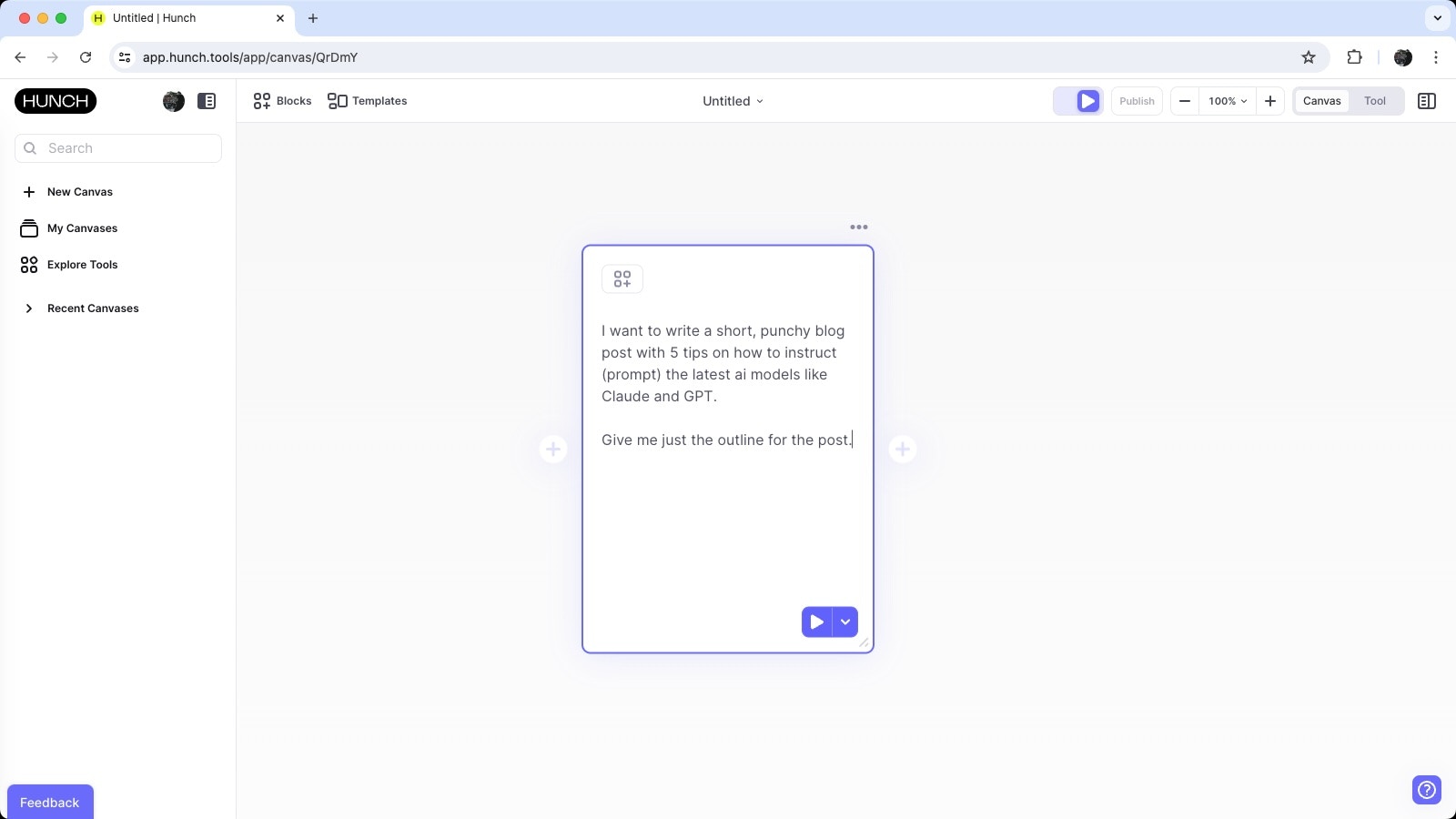
Here's the instruction we're going to provide for the first AI block:
> I want to write a short, punchy blog post with 5 tips on how to instruct (prompt) the latest AI models like Claude and GPT.
>
> For now, give me only the outline of the blog post.
This is what it'll look like:
## Create your first block
One of the best parts of Hunch is that it makes breaking tasks up into incremental steps easy. Let's start by adding a block that generates a blog post outline.
Here's the instruction we're going to provide for the first AI block:
> I want to write a short, punchy blog post with 5 tips on how to instruct (prompt) the latest AI models like Claude and GPT.
>
> For now, give me only the outline of the blog post.
This is what it'll look like:
 ## Run your first block
By default, canvases have Autorun enabled, illustrated by this toggle at the top right of the screen:
## Run your first block
By default, canvases have Autorun enabled, illustrated by this toggle at the top right of the screen:
 When this is switched on, changes you make to blocks will be applied instantly. AI tasks will execute as soon as you deselect the block. You can also click the "Run" button at the top right of the block when Autorun is on or off to execute the block.
Auto AI is on by default, so we'll first select the best model for the task at hand, then pass the instructions to that model and begin generating the blog post outline. You'll see the output begin streaming to the block as the AI model processes the instructions.
## Review your first output
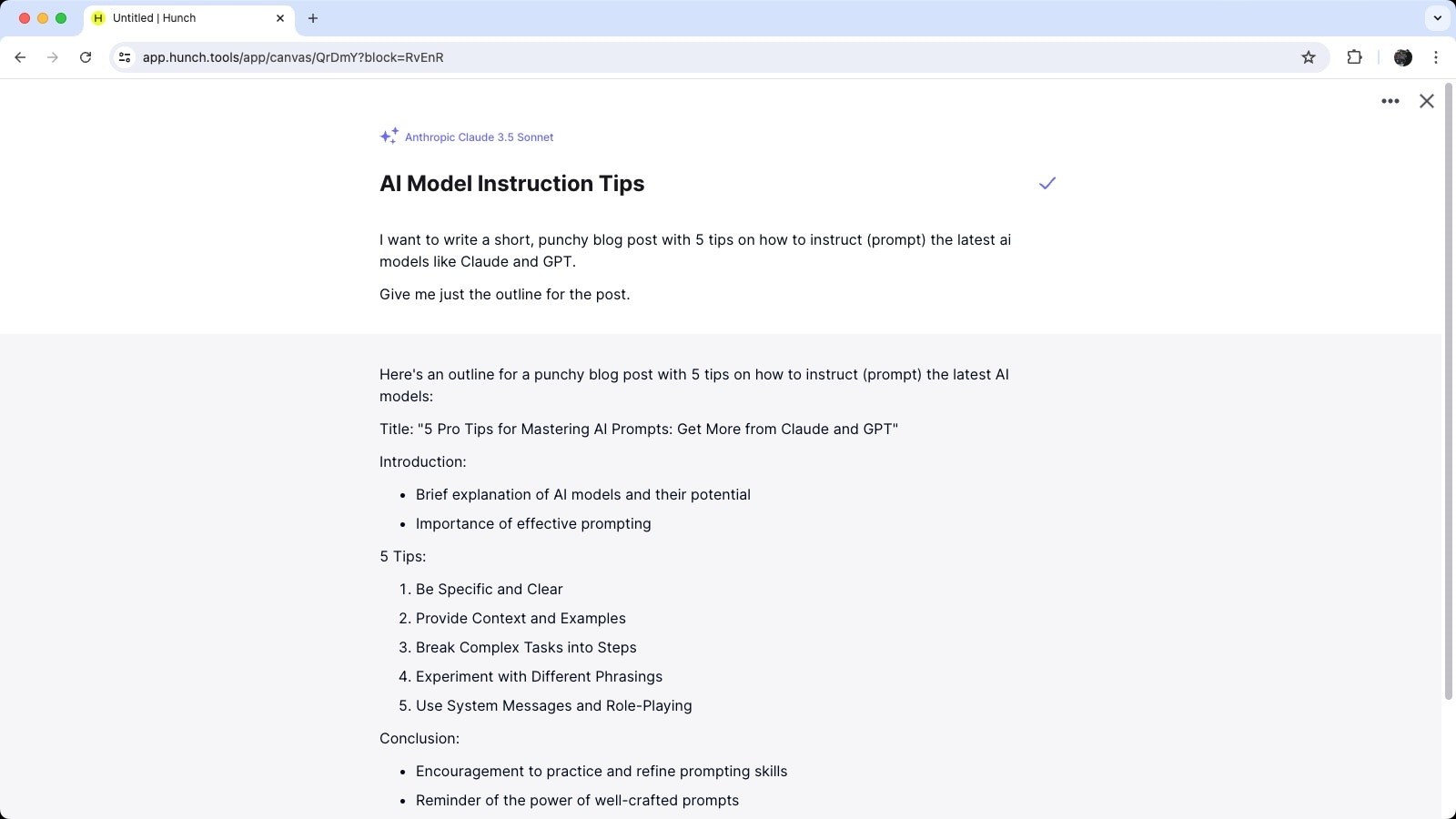
Once the AI model has completed processing the instruction, you'll see the output in the block:
When this is switched on, changes you make to blocks will be applied instantly. AI tasks will execute as soon as you deselect the block. You can also click the "Run" button at the top right of the block when Autorun is on or off to execute the block.
Auto AI is on by default, so we'll first select the best model for the task at hand, then pass the instructions to that model and begin generating the blog post outline. You'll see the output begin streaming to the block as the AI model processes the instructions.
## Review your first output
Once the AI model has completed processing the instruction, you'll see the output in the block:
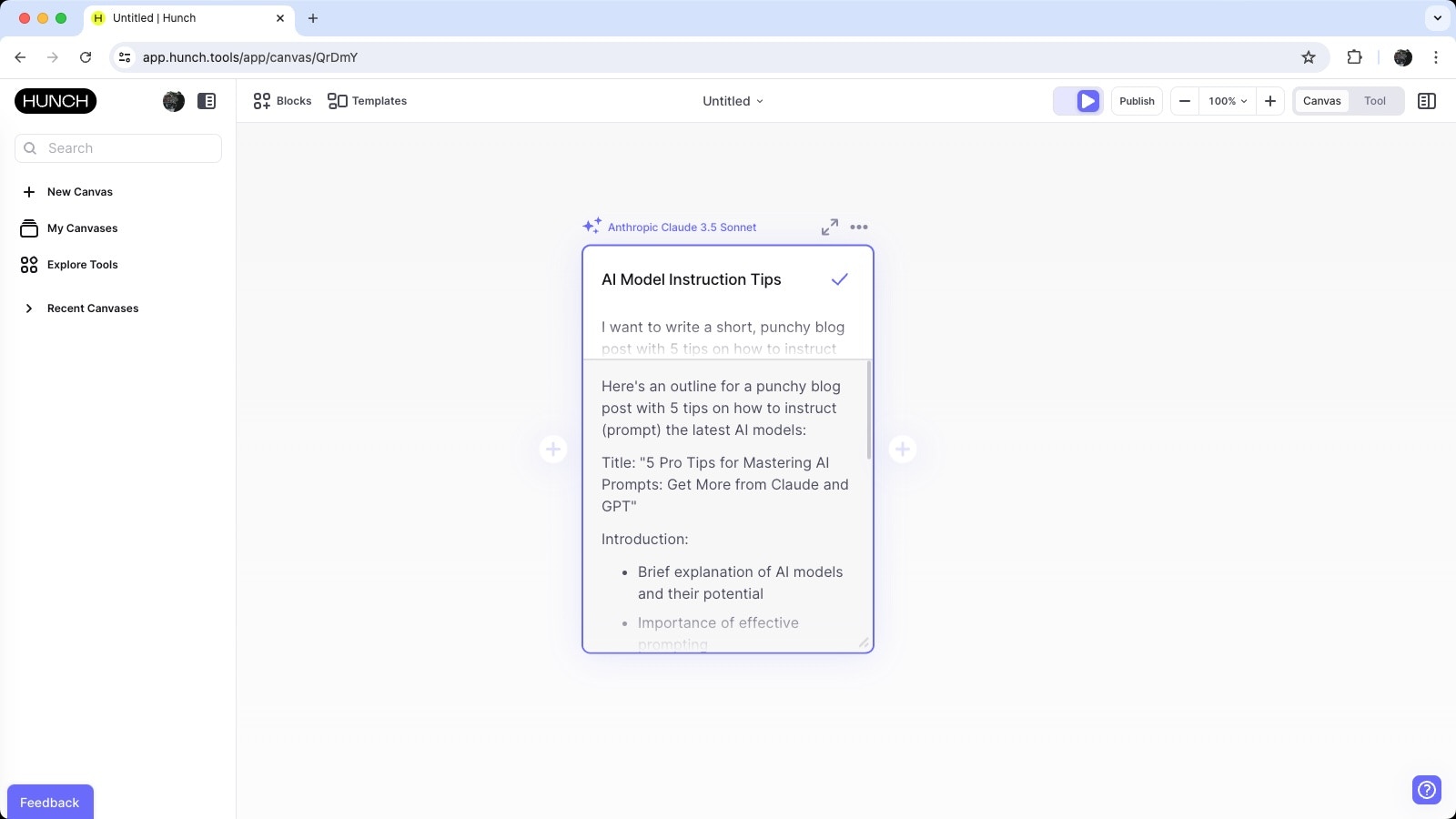 You can review the output easily by entering the 'Reader' view. Click on the expand icon at the top right of the block:
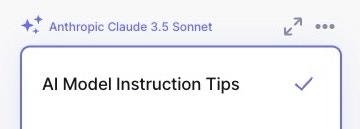 The reader view provides a clean, easy-to-read version of the output: