Share
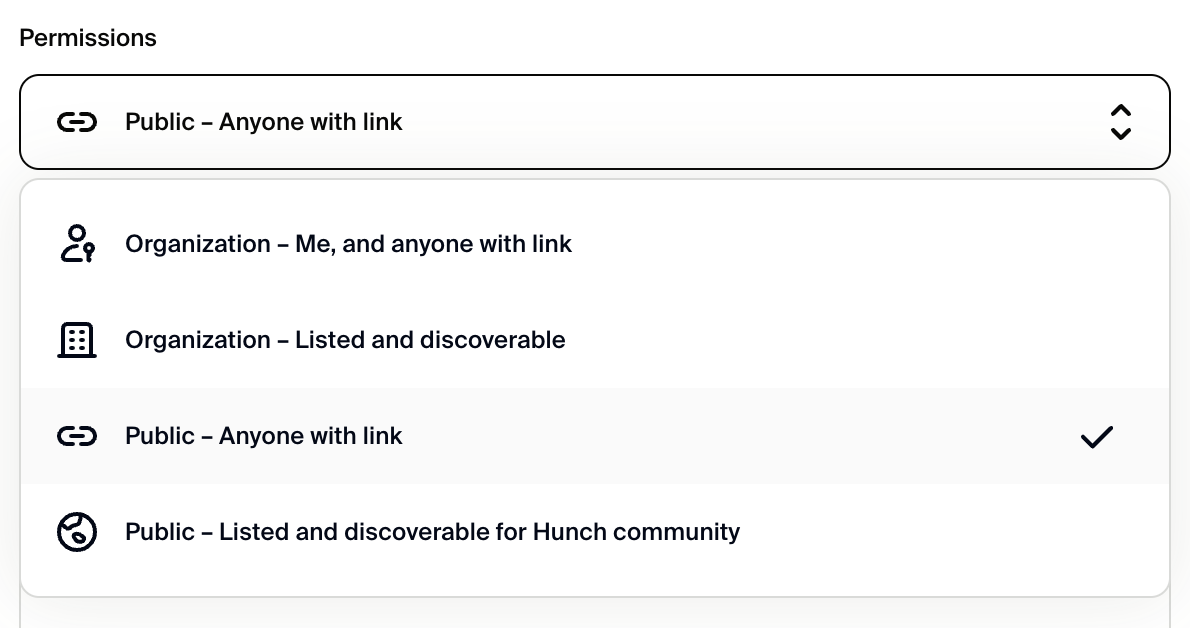
Share a link to your template, tool, or canvas for anyone in your organization, or share the link for anyone in the Hunch community.Publish
Publish your template, tool, and canvas to your organization, or publish them to the Hunch community. Publishing is the same as sharing, with the addition of also listing your work and making it discoverable by your organization or the community.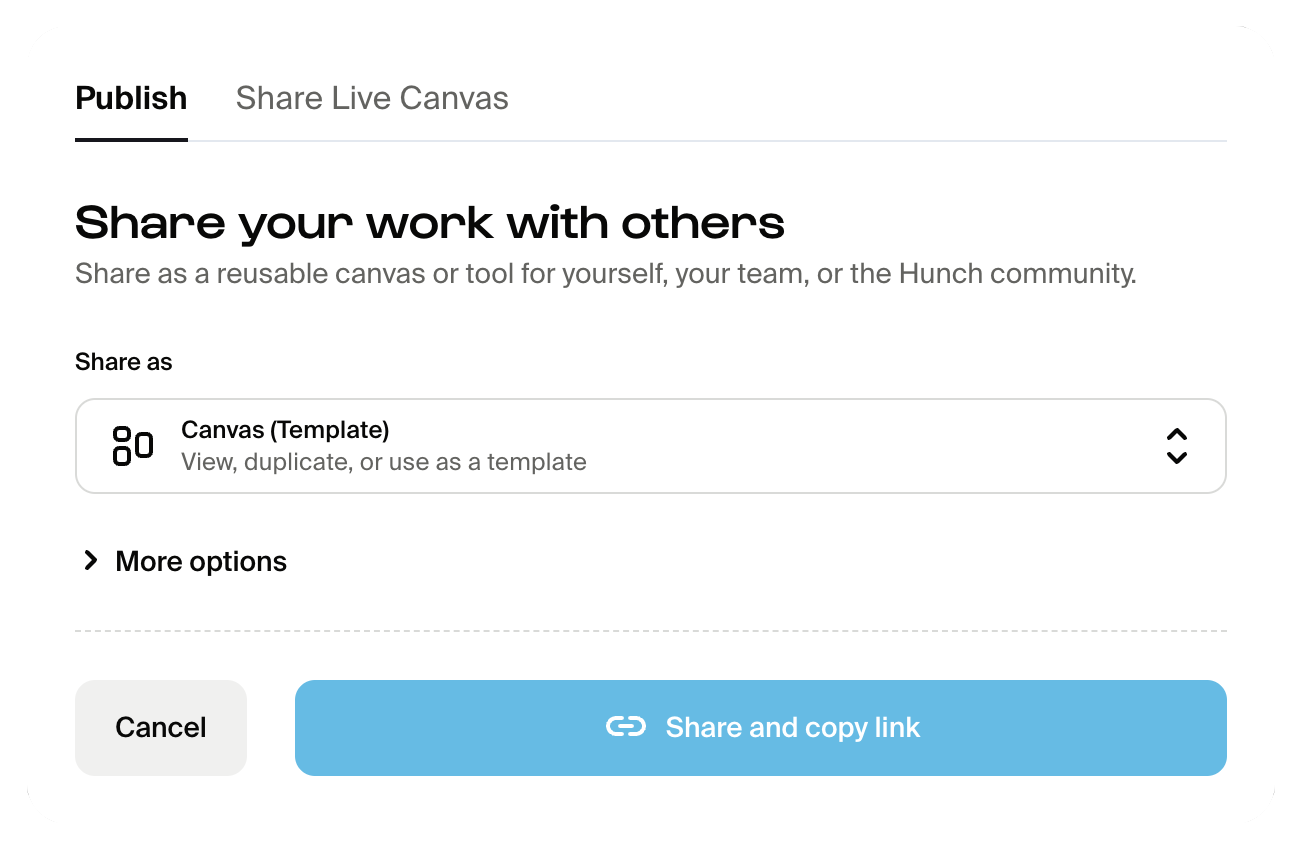
Sharing enables tool blocks
Once you’ve shared or published a tool, you can then use it as a tool block on any canvas. Refer to the Tools docs for more information about tool blocks.How to access sharing and publishing
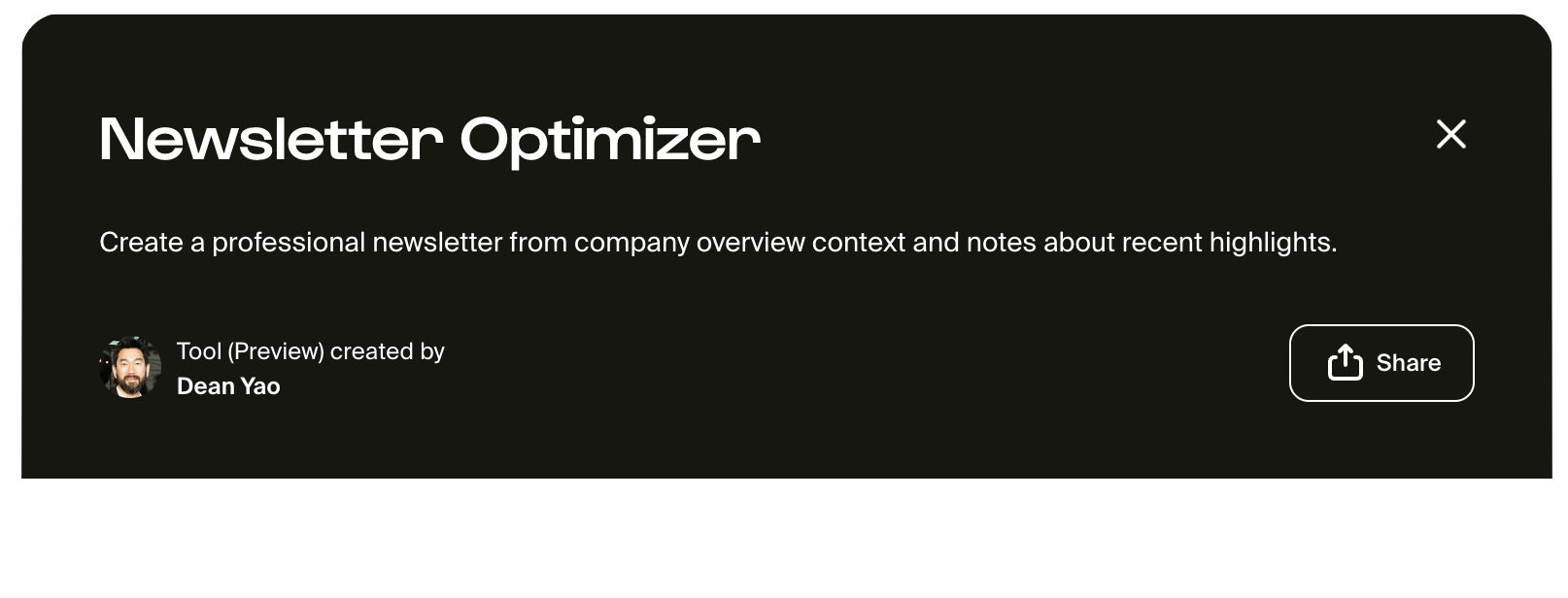
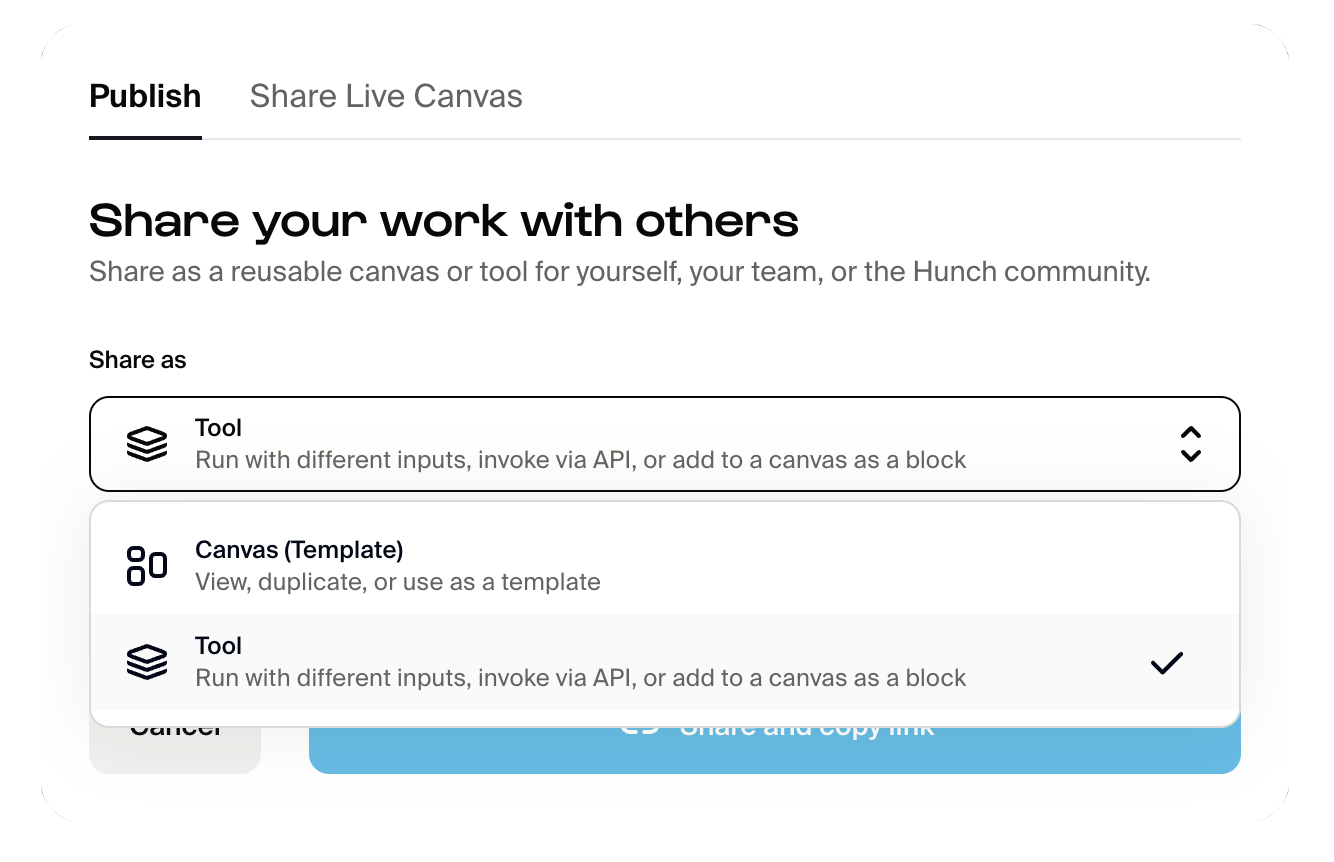
You can find the Share and Publish features either from a canvas or from a tool. From a canvas:
Permissions
The permissions for your work can be set depending on who you want to share it with. Access permissions by expanding “More options”.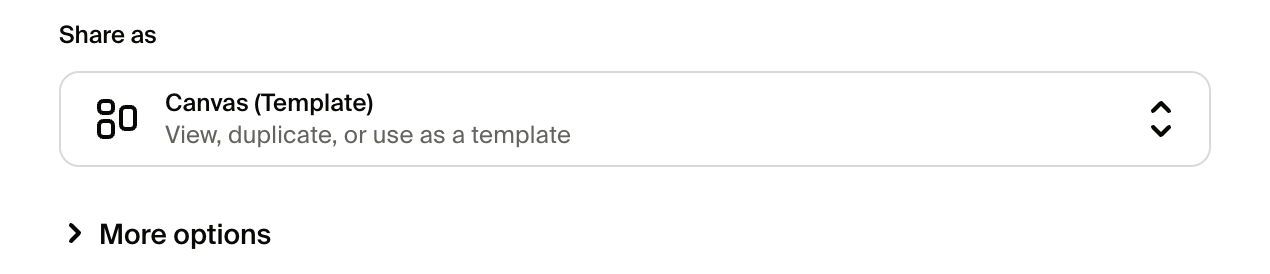
Overwriting existing
There is an option to overwrite an existing template or tool, depending on what is selected for “Share as”. If checked, you can select any template or tool to overwrite with the one you are sharing. Usually you will want to overwrite a template or tool with the same name, but if you overwrite a different one then its name will be updated as well.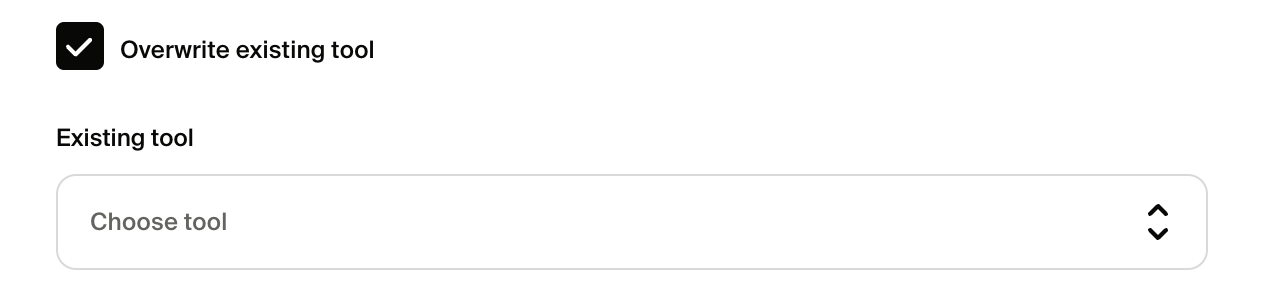
Sharing live canvas
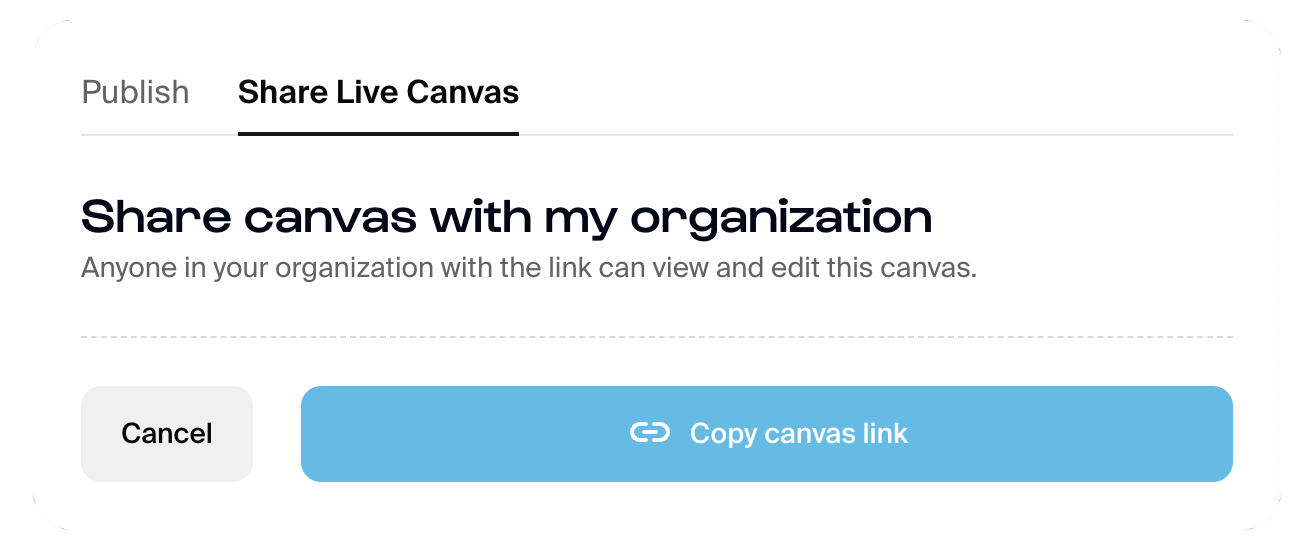
If you want to collaborate with someone else on the same canvas, you may share your canvas URL link via the Share modal (image below) or by copying the canvas URL link from your browser. Sharing this way will allow near real-time concurrent editing of the canvas.