Sign up and sign in
Hunch is currently in private beta. To get started, request access on our website. Once you receive an invitation, you can sign in to the platform!Create your first canvas
We’re going to build a canvas that writes and illustrates a short blog post. This will give you a taste of what you can do with Hunch and how best to structure canvases. After logging in, you’ll be met with a blank canvas, ready for you to start building your first AI experience: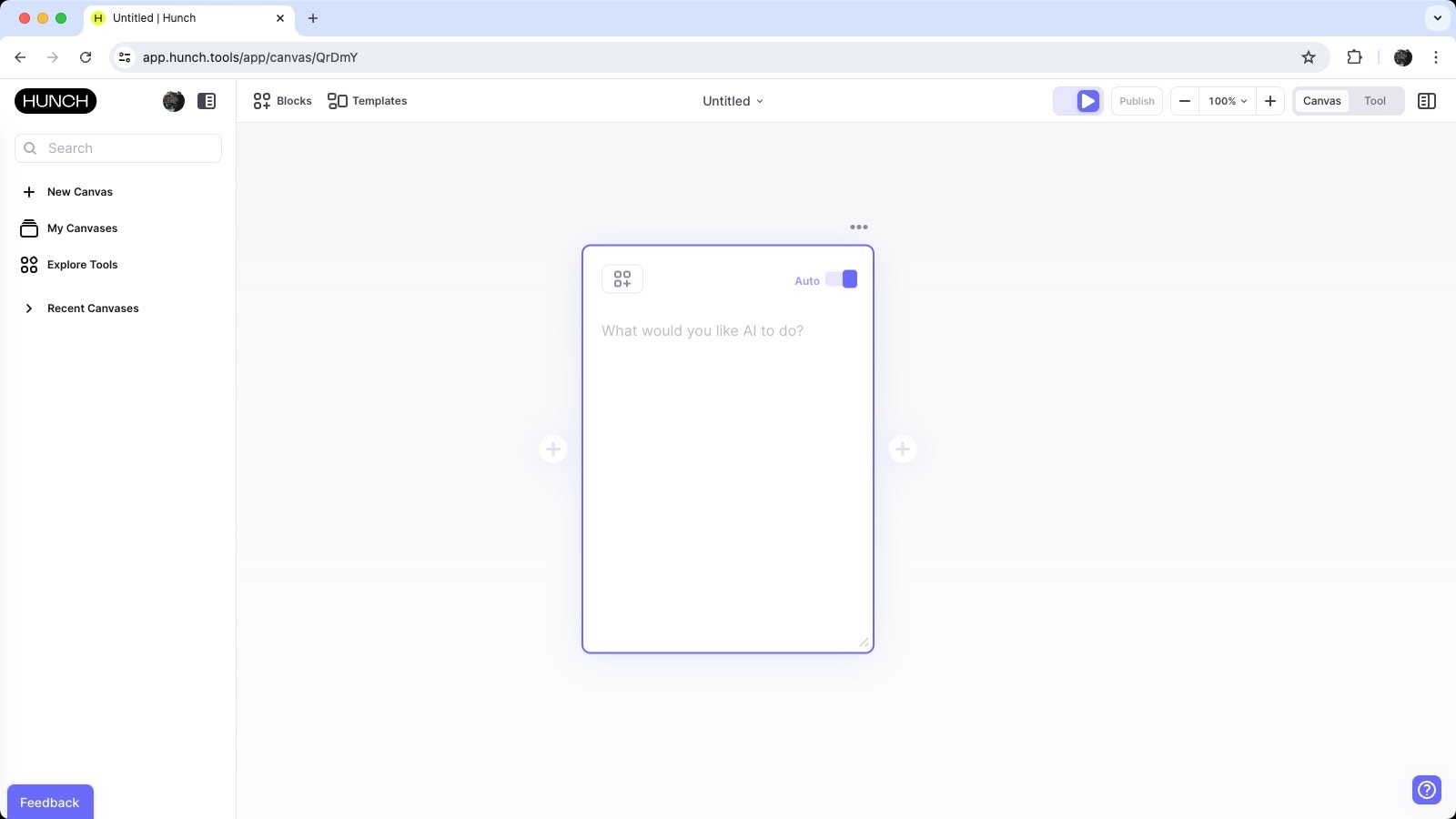
Create your first block
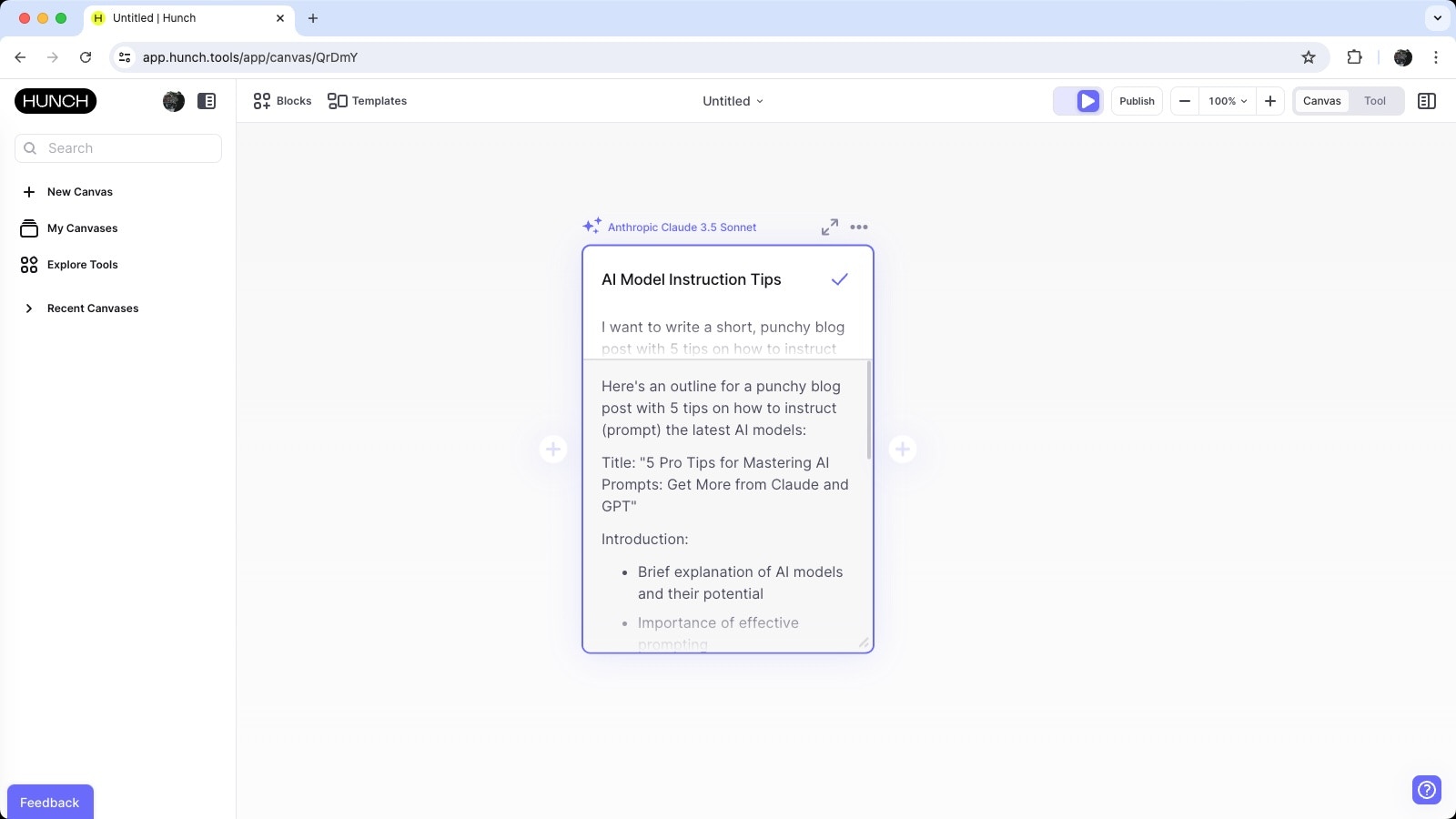
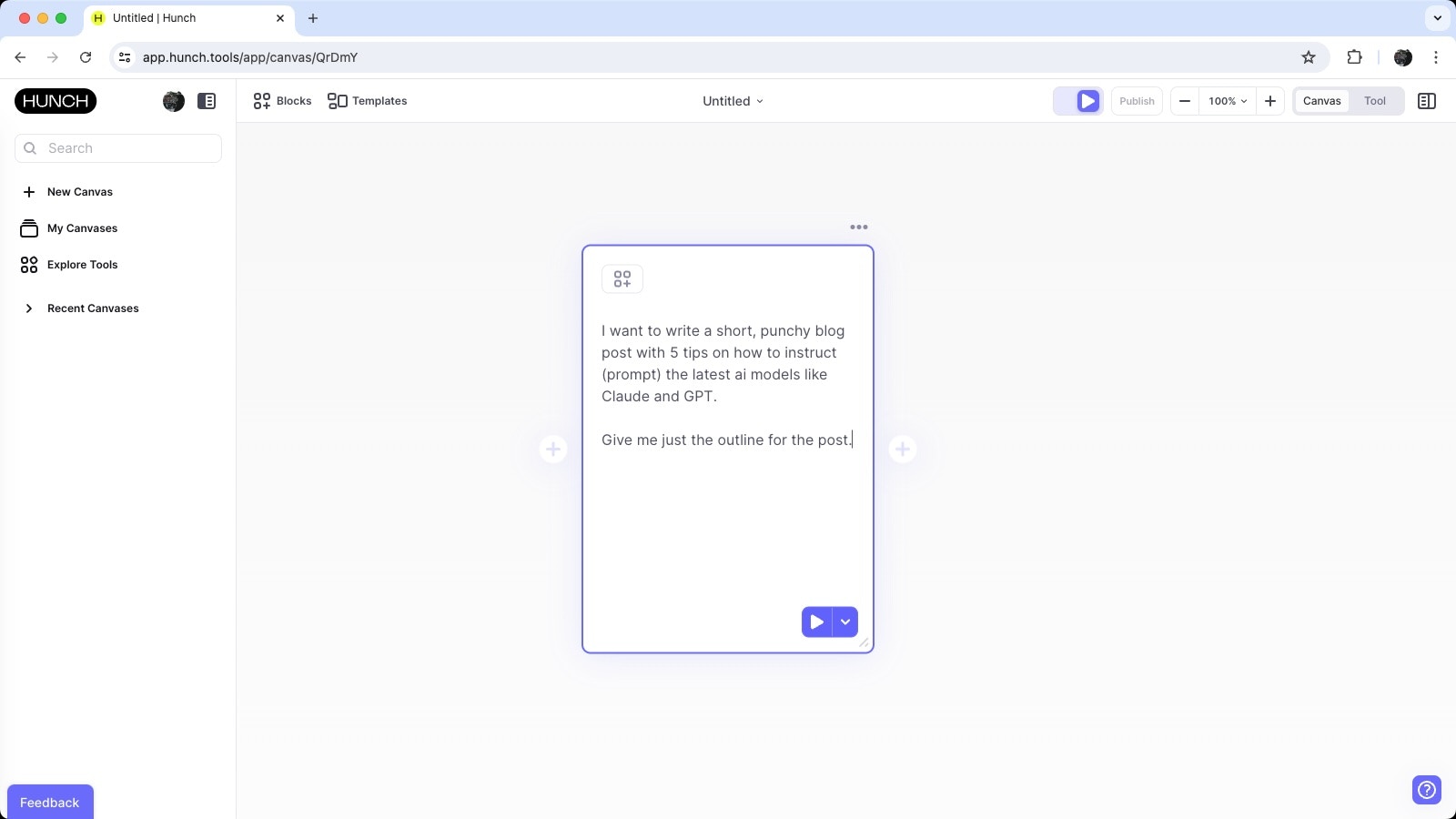
One of the best parts of Hunch is that it makes breaking tasks up into incremental steps easy. Let’s start by adding a block that generates a blog post outline. Here’s the instruction we’re going to provide for the first AI block:I want to write a short, punchy blog post with 5 tips on how to instruct (prompt) the latest AI models like Claude and GPT. For now, give me only the outline of the blog post.This is what it’ll look like:
Run your first block
By default, canvases have Autorun enabled, illustrated by this toggle at the top right of the screen:
Review your first output
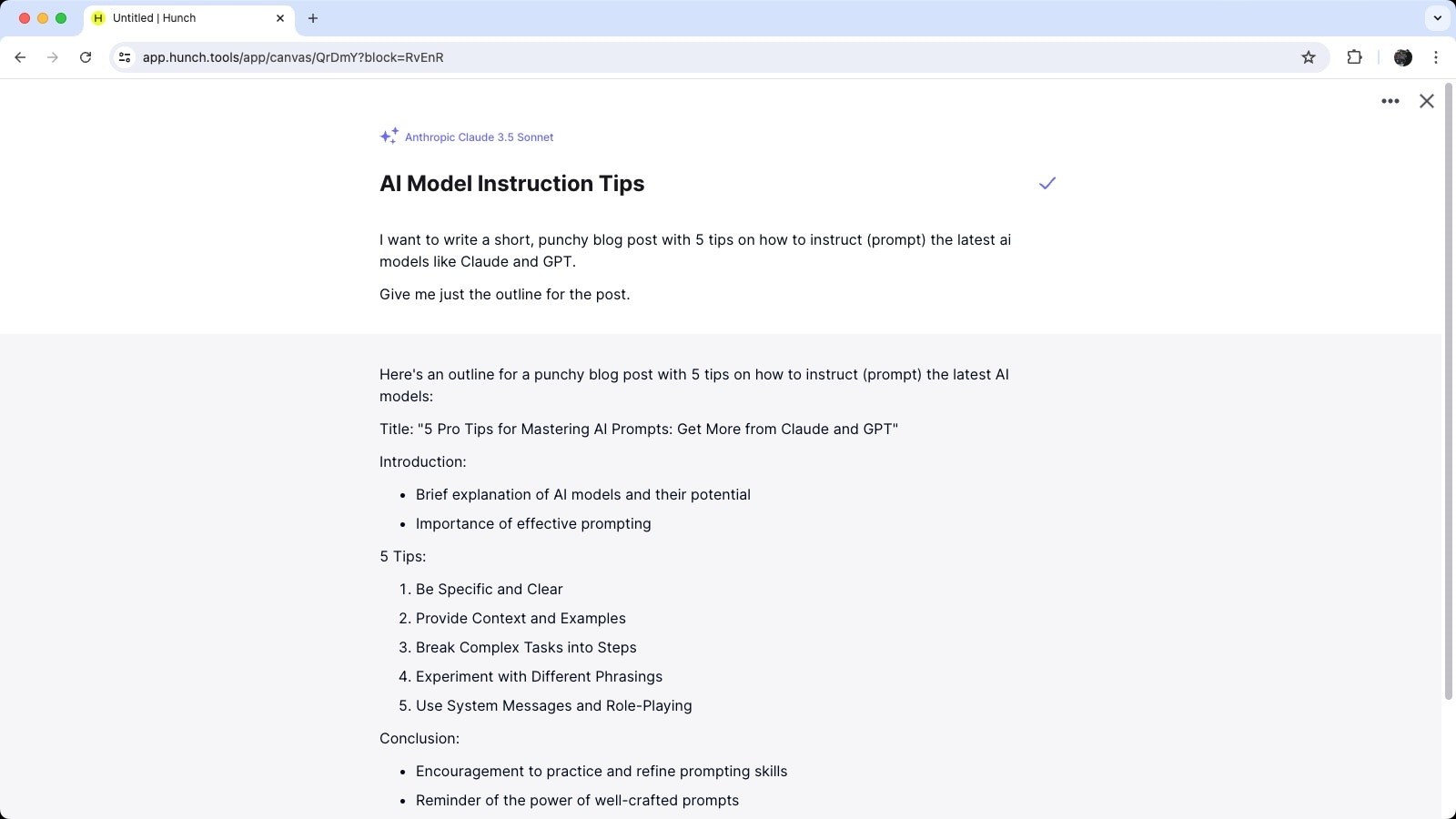
Once the AI model has completed processing the instruction, you’ll see the output in the block: