Create and connect
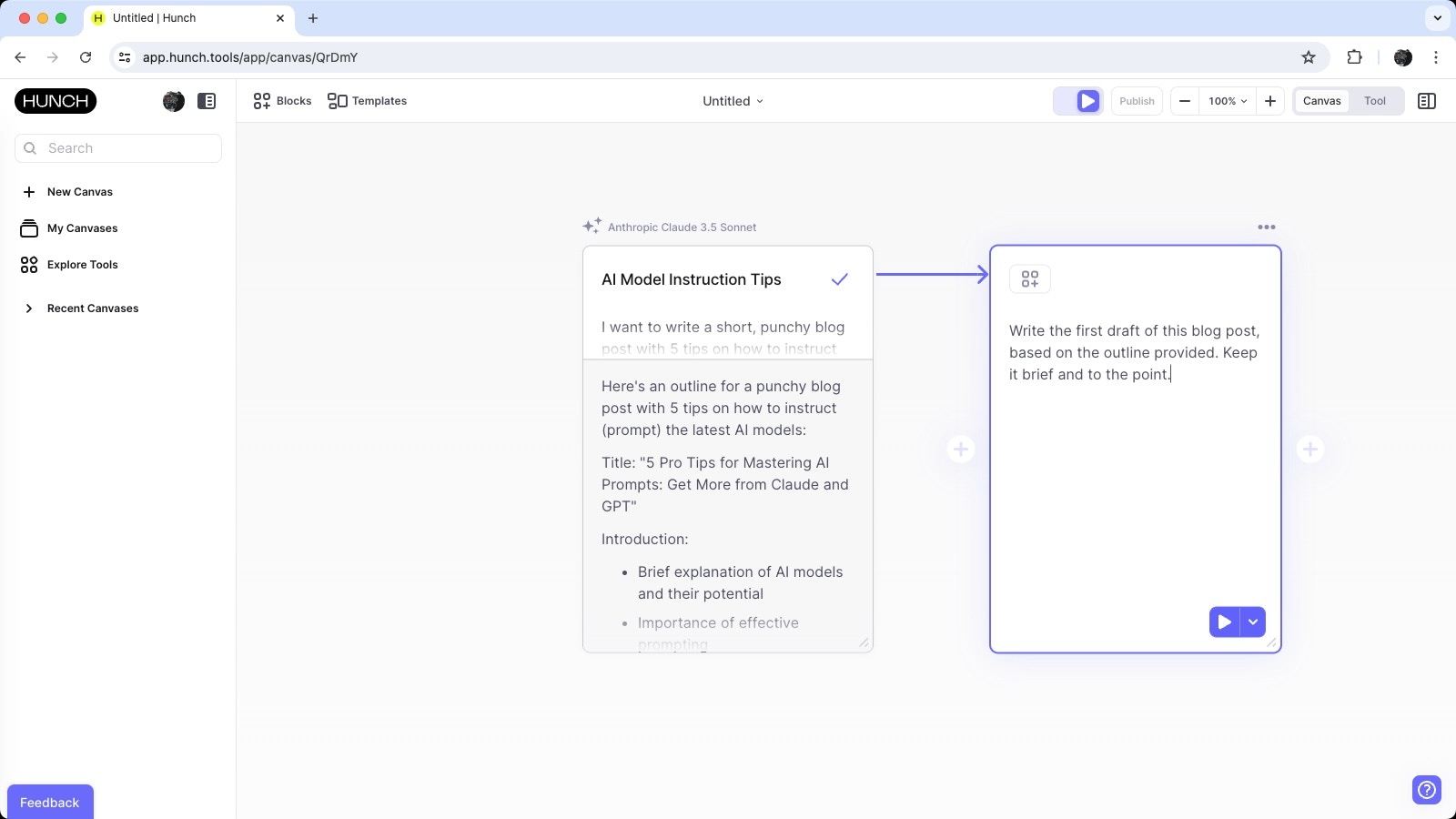
In the previous section we created a block to generate a blog post outline. Now, we’ll build on that by adding a block to write the first draft of the blog post. This will illustrate how to connect blocks and build a more complex AI workflow. The quickest way to create and connect a new block is to click the (+) handle to the right of an existing block. This will add a new block and automatically connect it to the previous block: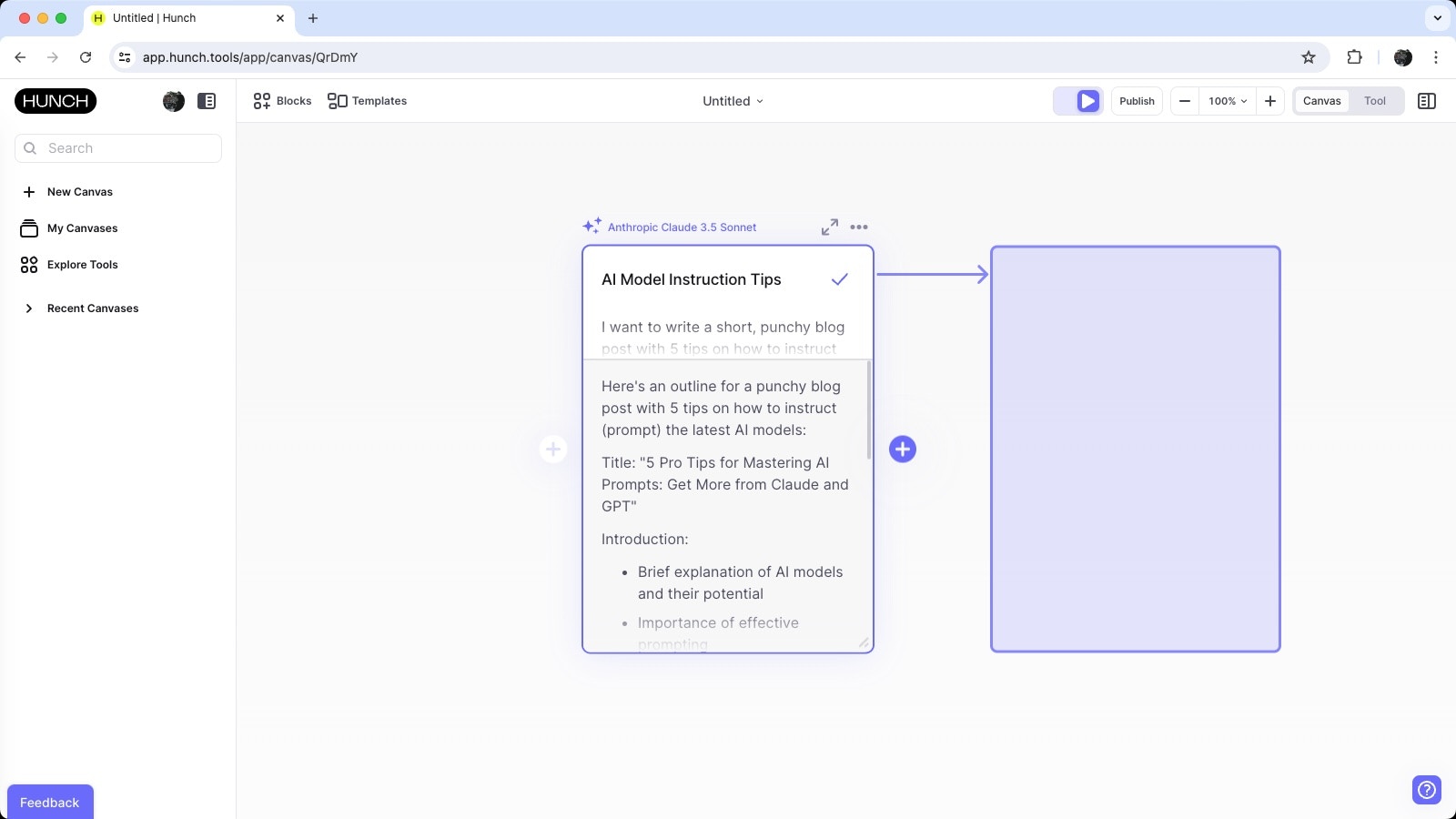
Building on the previous output
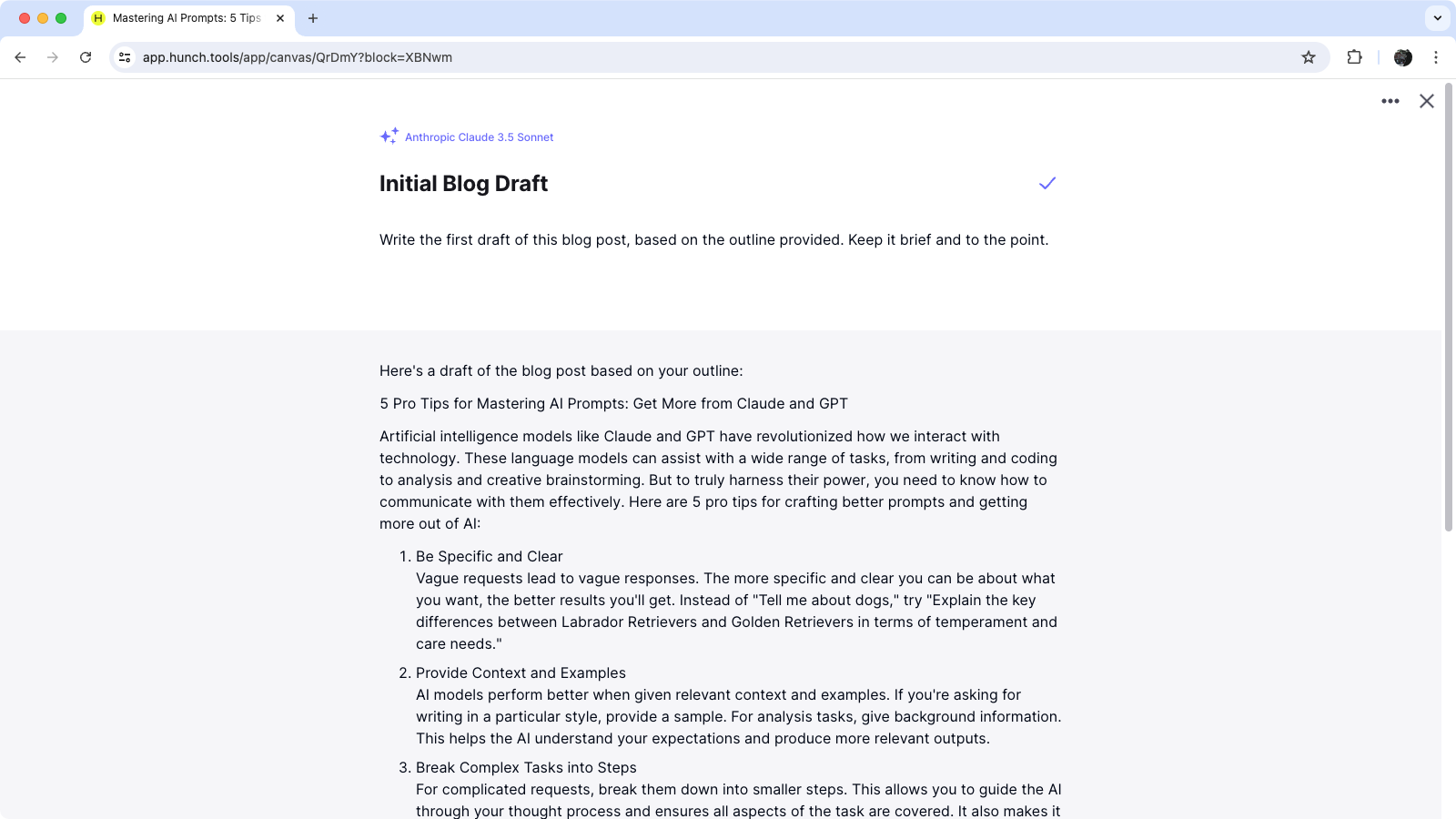
The connector between the blocks shows the data flow from one block to the next. In this case, the output from the outline block is passed as input to the new block. This allows the AI model in the new block to build on the outline and generate the first draft of the blog post. We’ll instruct the new block as follows:Write the first draft of this blog post, based on the outline provided. Keep it brief and to the point.