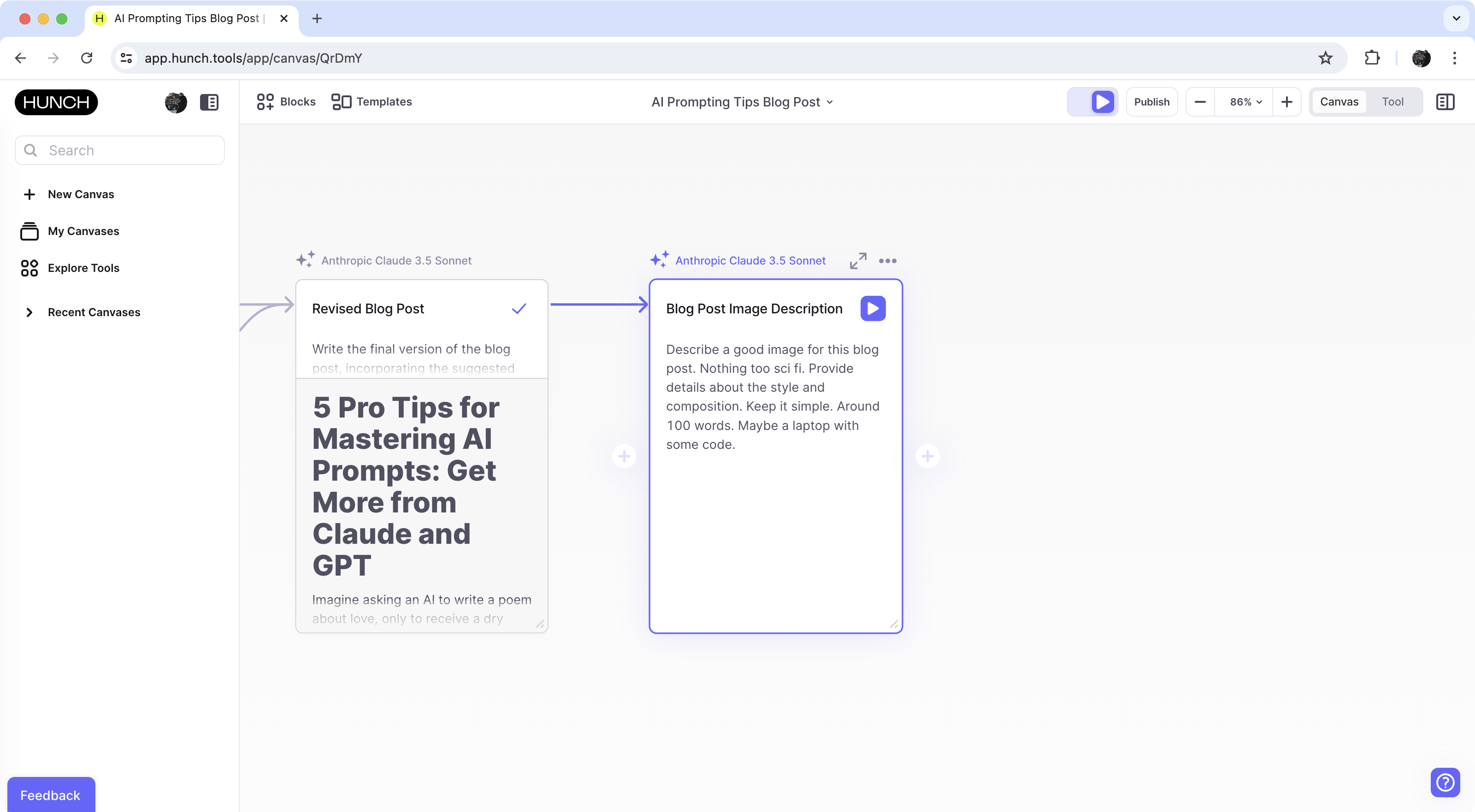
Instruct AI to describe the image
With Auto AI, you can create a block and simply instruct it to generate the image you need. We’re going to do it a bit more manually this time, so that we can introduce some additional UI elements. We’ll create two blocks, one to figure out a good image to go along with the blog post and a second to generate the image. Click the (+) handle to the right of the final blog post block to create a new AI block. This will be our ‘image description’ block. We’ll instruct the image description block as follows:Describe a good image for this blog post. Nothing too sci fi. Provide details about the style and composition. Keep it simple. Around 100 words. Maybe a laptop with some code.Here’s what your canvas should look like after adding the image description block:
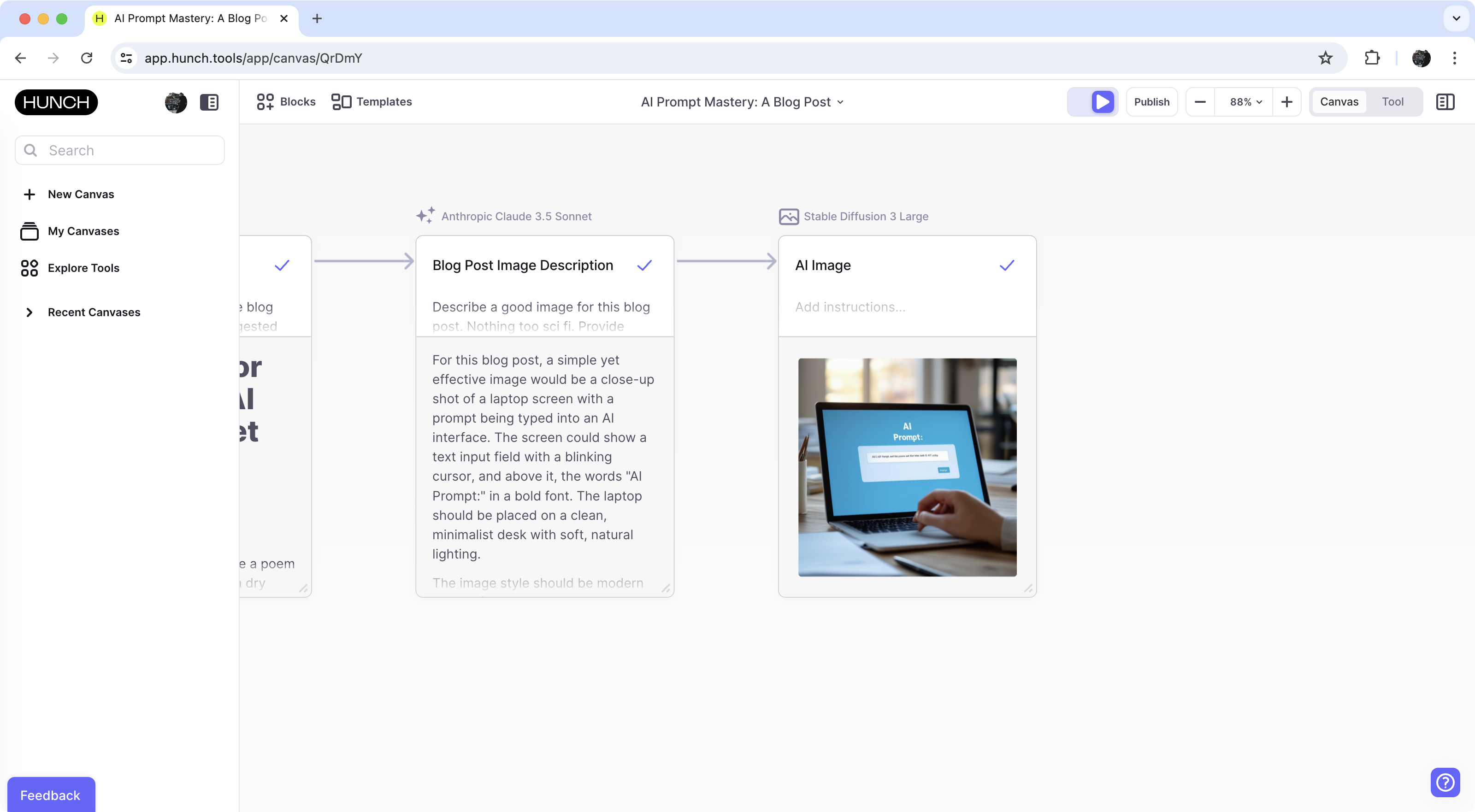
Generate the hero image
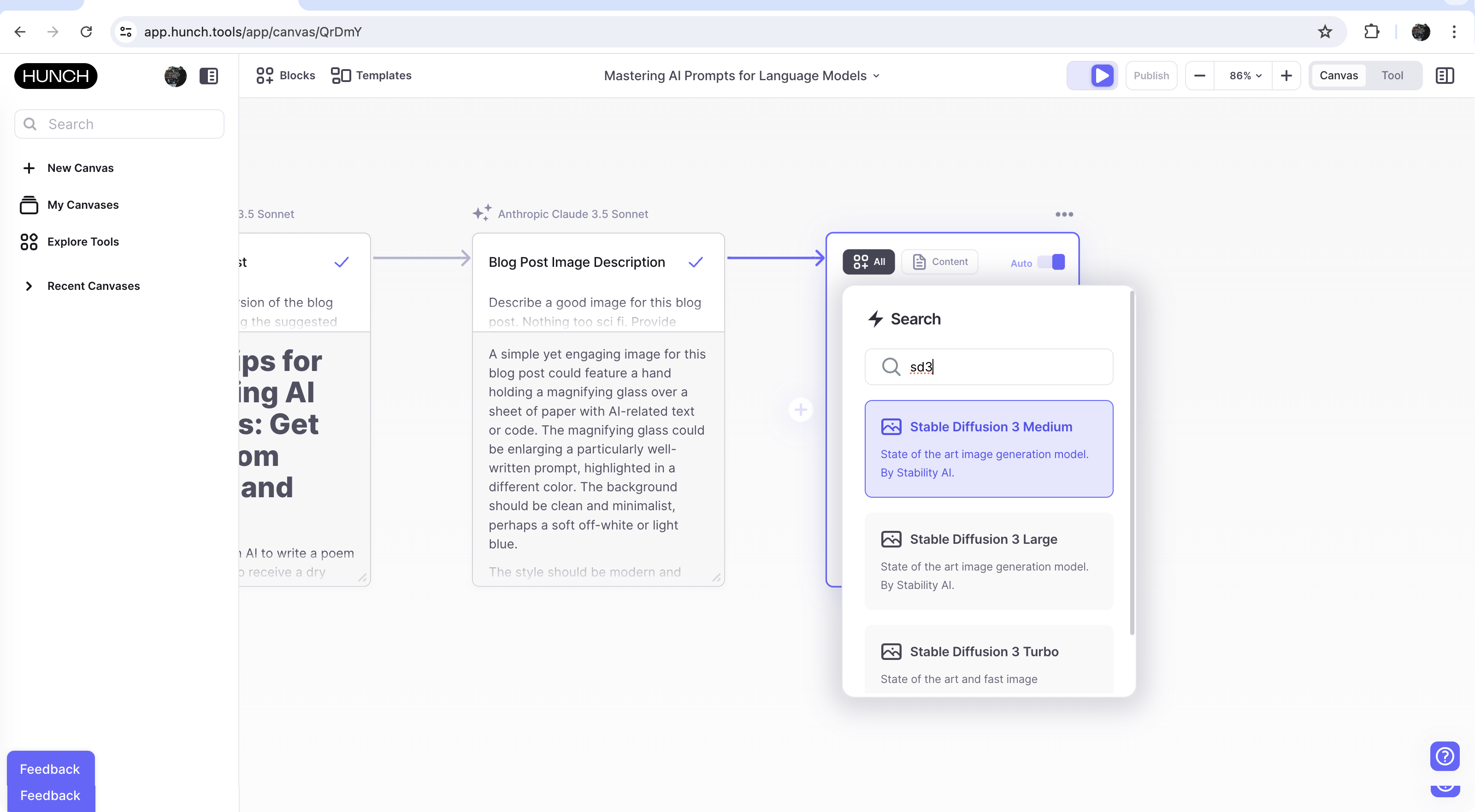
Add a block to the right of the image description. To manually select a model, click ‘All’ at the top left of the block, then search for SD3 and select Stable Diffusion 3 Large (our preferred image generation model right now). Here’s what the model search looks like: